Have you ever experienced your inverter suddenly beeping or shutting down during a power cut? Many homeowners search for answers to why the inverter shows overload and worry about an ongoing inverter overload problem that keeps interrupting the power supply.
When an inverter displays an overload warning, it usually means the connected appliances are consuming more power than the inverter’s rated capacity. Sometimes, it may also happen due to wiring faults, battery issues, or internal component failure.
If you are planning to explore reliable backup solutions through solar products online, understanding overload causes can help you prevent system damage and unnecessary expenses.
In this guide, we will clearly explain the reasons behind overload warnings and provide practical solutions that you can apply immediately at home.
Key Points at a Glance
- An inverter shows overload when the power demand exceeds its capacity.
- Common causes include excessive appliances, high startup surge, and faulty wiring.
- Weak battery performance can trigger overload warnings.
- Overheating or internal component issues may also be responsible.
- Reducing the load and restarting the system can fix minor issues.
- Frequent overloads may require capacity upgrades.
What Does an Overload Warning Mean?
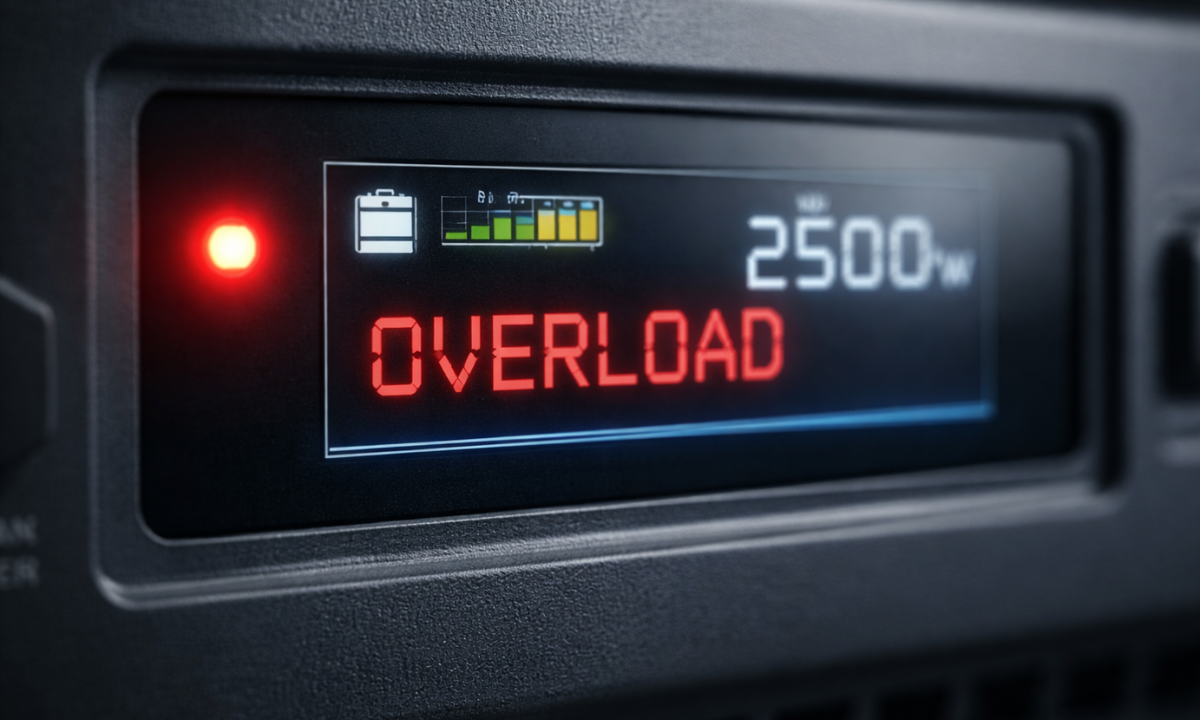
An overload warning is a safety feature. It protects your inverter from overheating, internal damage, and electrical hazards.
When power demand crosses the inverter’s limit, it automatically trips, beeps, or shuts down. This prevents permanent damage to the internal circuitry.
Simply put, the inverter is telling us that it cannot handle the current power demand safely.
What Happens When the Inverter Is Overloaded?
Many people wonder what happens when inverter is overloaded. The answer depends on how long the overload condition continues.
In most cases, the inverter will automatically cut off output power. If overload persists, it can damage internal components such as MOSFETs or relays.
Here is a quick overview:
| Situation | Result |
|---|---|
| Temporary overload | System shuts down safely |
| Frequent overload | Reduced lifespan |
| Severe overload | Internal component damage |
| Continuous overheating | Complete inverter failure |
Understanding this helps us take action quickly before serious damage occurs.
Main Causes of Overload
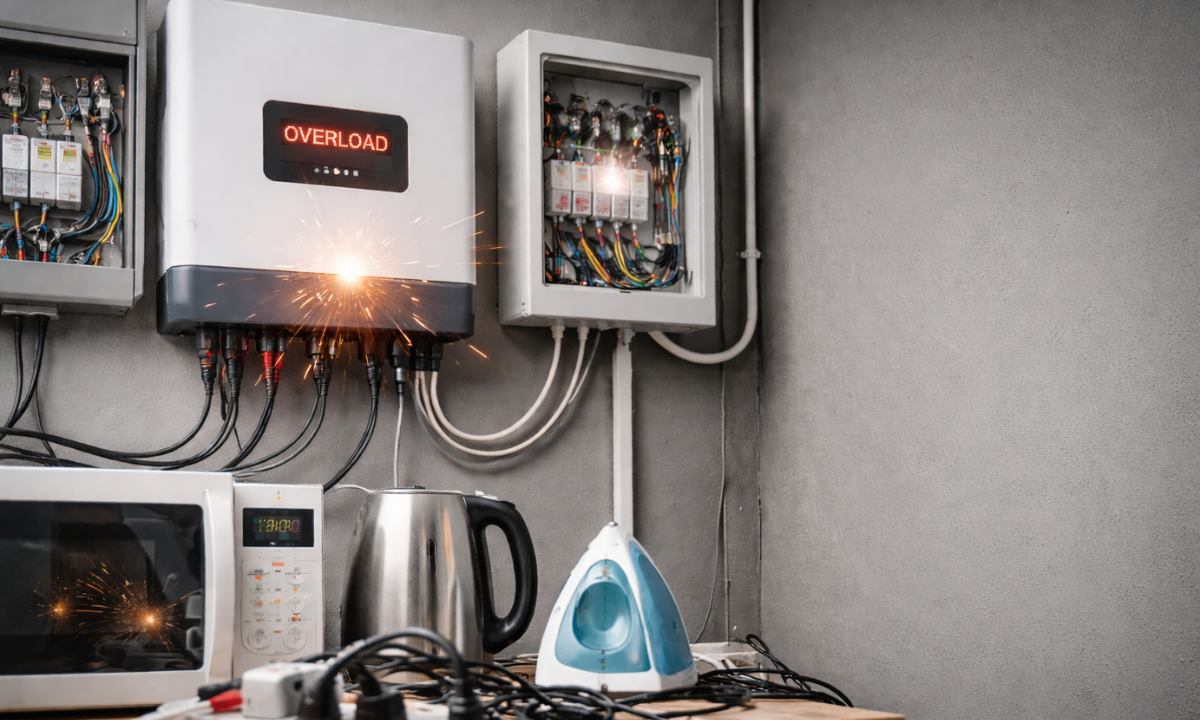
Let’s break down the most common causes of overload in simple terms. Understanding these reasons helps us identify the issue quickly and prevent serious damage to the inverter.
Overload usually does not happen randomly. In most cases, it is linked to how much power we are drawing, how appliances behave at startup, or how the system is installed and maintained.
1. Exceeding Power Capacity
Every inverter has a fixed watt or VA rating. When connected appliances together consume more power than this limit, an overload occurs.
For example, a 1000 VA inverter cannot safely run an AC, refrigerator, and iron at the same time.
Example Calculation Table
| Appliance | Approximate Power (Watts) |
|---|---|
| Fan | 75 |
| LED TV | 120 |
| Refrigerator | 300 |
| Iron | 1000 |
| Mixer | 750 |
When the combined load exceeds the inverter capacity, an overload warning appears.
2. High-Surge Appliances
Motor-based appliances draw extra power during startup. This is called surge power.
Devices like mixers, pumps, refrigerators, and air conditioners may draw 2–3 times their normal wattage for a few seconds.
Even if the total running load seems safe, a startup surge can trigger inverter overload.
3. Too Many Devices Connected
During a power cut, we often switch on all appliances at once. This sudden demand overloads the system.
Gradual switching prevents unnecessary stress on the inverter.
4. Faulty Wiring or Short Circuits
Loose connections, damaged wires, or improper installation can trigger false overload warnings.
Short circuits increase current flow and cause a protective shutdown.
5. Weak or Faulty Battery
A weak inverter battery forces the system to work harder. When the voltage drops below safe levels, overload-like symptoms may appear.
This is especially common in older batteries or poorly maintained systems.
6. Internal Component Failure
Sometimes, damaged MOSFETs or faulty relays misread the power output.
In such cases, an inverter not working after overload may require professional servicing.
7. High Ambient Temperature
Inverters generate heat during operation. If placed in poorly ventilated spaces, overheating may trigger overload protection.
Proper airflow is essential for safe functioning.
Solutions to Fix Overload
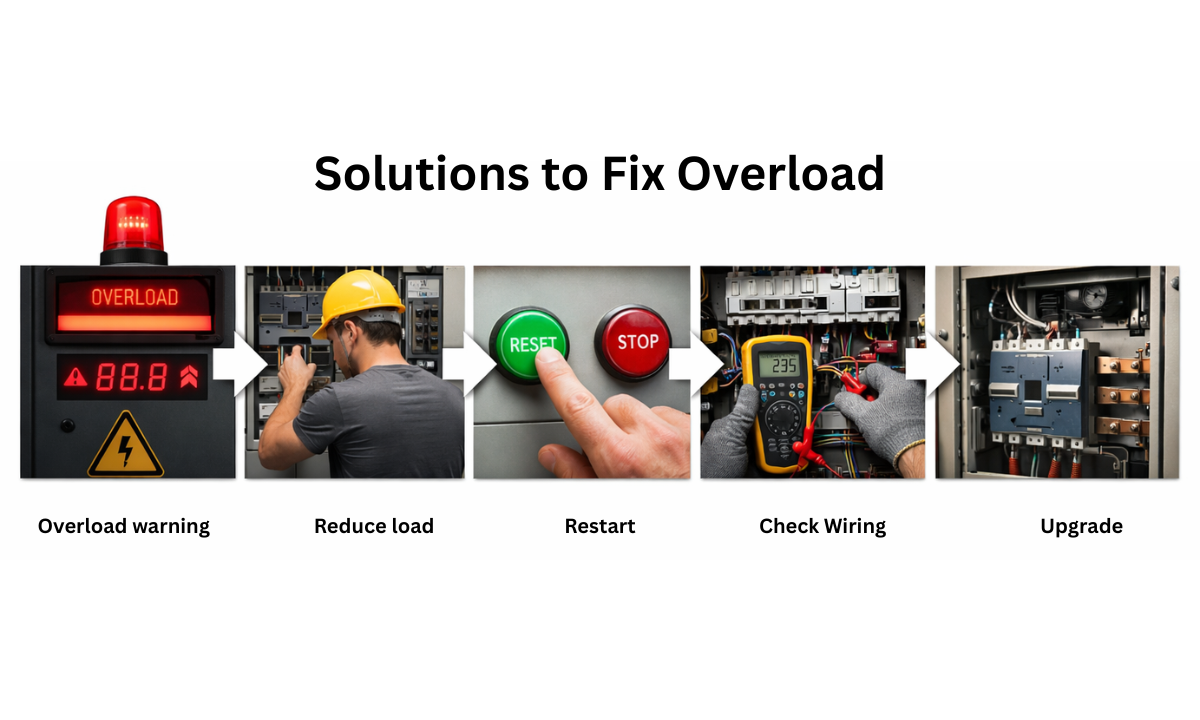
Now that we understand the causes of overload, let’s look at practical solutions. Acting quickly when an overload warning appears can prevent further damage and restore power safely.
In many cases, the issue can be resolved with simple steps at home. However, if the problem continues repeatedly, it may require a technical inspection or a system upgrade.
Immediate Actions
- Reduce the Load: Turn off non-essential appliances immediately.
- Unplug Heavy Appliances: Disconnect irons, heaters, and high-consumption devices.
- Restart the System: Many people ask how to reset inverter overload. Simply switch off the inverter, wait a few minutes, and turn it back on.
Technical Checks
- Inspect Wiring: Ensure there are no loose or damaged connections.
- Check Battery Health: Verify that the inverter battery is fully charged and the terminals are clean.
- Repair Internal Components: If the issue persists, a technician may need to replace faulty parts.
Long-Term Solutions
| Problem | Recommended Solution |
|---|---|
| Frequent overload | Upgrade to a higher capacity inverter |
| High startup surge | Install soft starters |
| Old battery | Replace with a new battery |
| Overheating | Improve ventilation |
Upgrading capacity is often necessary when power needs increase over time.
How to Prevent Future Overloads
Prevention is always better than repair. If we manage our power usage wisely and maintain the system properly, overload issues can be avoided completely.
Small daily habits and simple checks can significantly improve inverter performance and lifespan.
Monitor Power Usage
Before connecting appliances to the inverter line, we should calculate their total wattage. Knowing the inverter’s maximum capacity helps us avoid crossing the safe limit.
Using a simple load calculator or checking appliance labels makes this process easy. Keeping the total load within 70–80% of the inverter capacity adds an extra safety margin.
Use Energy-Efficient Devices
Older appliances consume more electricity compared to modern energy-efficient models. Replacing high-power bulbs with LED lights or upgrading to inverter-rated refrigerators reduces overall load.
Lower power consumption means less strain on the inverter and battery, improving system stability.
Avoid Simultaneous Startup
Motor-based appliances draw high surge power at startup. Switching on heavy devices one by one prevents sudden spikes in demand.
For example, turn on the refrigerator first, wait a few seconds, and then switch on other appliances gradually. This reduces sudden stress on the inverter.
Ensure Proper Ventilation
Inverters generate heat during operation. Installing them in a cool, dry, and well-ventilated area prevents overheating.
Avoid placing the unit near direct sunlight, enclosed cabinets, or damp spaces. Proper airflow improves efficiency and prevents unnecessary overload triggers.
By following these preventive measures, we can reduce overload risks, protect internal components, and ensure smooth backup performance for years to come.
Example Scenario
Let’s say your inverter rating is 1500 VA.
If you connect:
- 2 fans (150W)
- 1 fridge (300W)
- 1 iron (1000 W)
Total load becomes 1450W.
During startup, the fridge may draw 600 W temporarily, pushing total demand above capacity. This causes an overload shutdown.
Understanding real-world examples helps us manage power usage wisely.
When Should You Upgrade Your Inverter?
If overload happens regularly, your inverter may be undersized.
Growing families, additional appliances, or work-from-home setups increase power demand.
Upgrading to solar inverters with battery compatibility ensures better reliability and backup performance.
Final Thoughts
Understanding why the inverter shows overload helps us protect our system and extend its lifespan. Overload warnings are not random errors; they are protective signals that demand attention.
If you are exploring reliable solar products online, always evaluate inverter capacity based on your home’s power usage.
At Sun AP Ecopower, we guide homeowners in selecting the right backup solutions to avoid recurring inverter overload issues and ensure uninterrupted performance.
By managing load properly, maintaining your battery, and upgrading when necessary, we can enjoy safe and consistent power for years to come.
Frequently Asked Questions
1. Why does my inverter show overload without a load?
Sometimes an inverter may display an overload warning even when no major appliances are connected. This can happen due to faulty wiring, loose connections, internal circuit issues, or a weak battery that cannot supply a stable voltage.
In some cases, damaged components like MOSFETs misread the output load. If the issue continues, a professional technician should inspect the system.
2. Can overload damage the inverter permanently?
Yes, repeated or prolonged overload conditions can permanently damage the inverter. When excess load continues, internal components may overheat and fail, reducing overall lifespan.
Sensitive parts such as relays, transformers, or circuit boards are particularly vulnerable. Taking immediate corrective steps, such as reducing load and checking wiring, helps prevent costly repairs or complete system replacement.
3. Is inverter overload related to battery issues?
Yes, battery health plays a major role in inverter performance. If the battery voltage drops too low or the battery is weak, the inverter may struggle to supply the required power and show overload warnings. Corroded terminals or poor charging can also contribute.
Regular battery testing, proper maintenance, and timely replacement help prevent such overload-like conditions.
4. How long should I wait before restarting the inverter after an overload?
After an overload shutdown, it is advisable to wait at least 3–5 minutes before restarting the inverter.
This cooling period allows internal components to stabilize and prevents immediate retriggering of the protection system. During this time, reduce the connected load to avoid repeat shutdown. Restart only after ensuring that the total power demand is within safe limits.
5. Can I fix the inverter overload myself?
You can handle basic troubleshooting steps at home, such as switching off extra appliances, unplugging heavy devices, and restarting the inverter. Checking visible wiring and ensuring the battery is charged are also simple actions.
However, if the problem persists or involves internal component failure, repairs should always be done by a qualified professional for safety.
Reference:
1. From Google